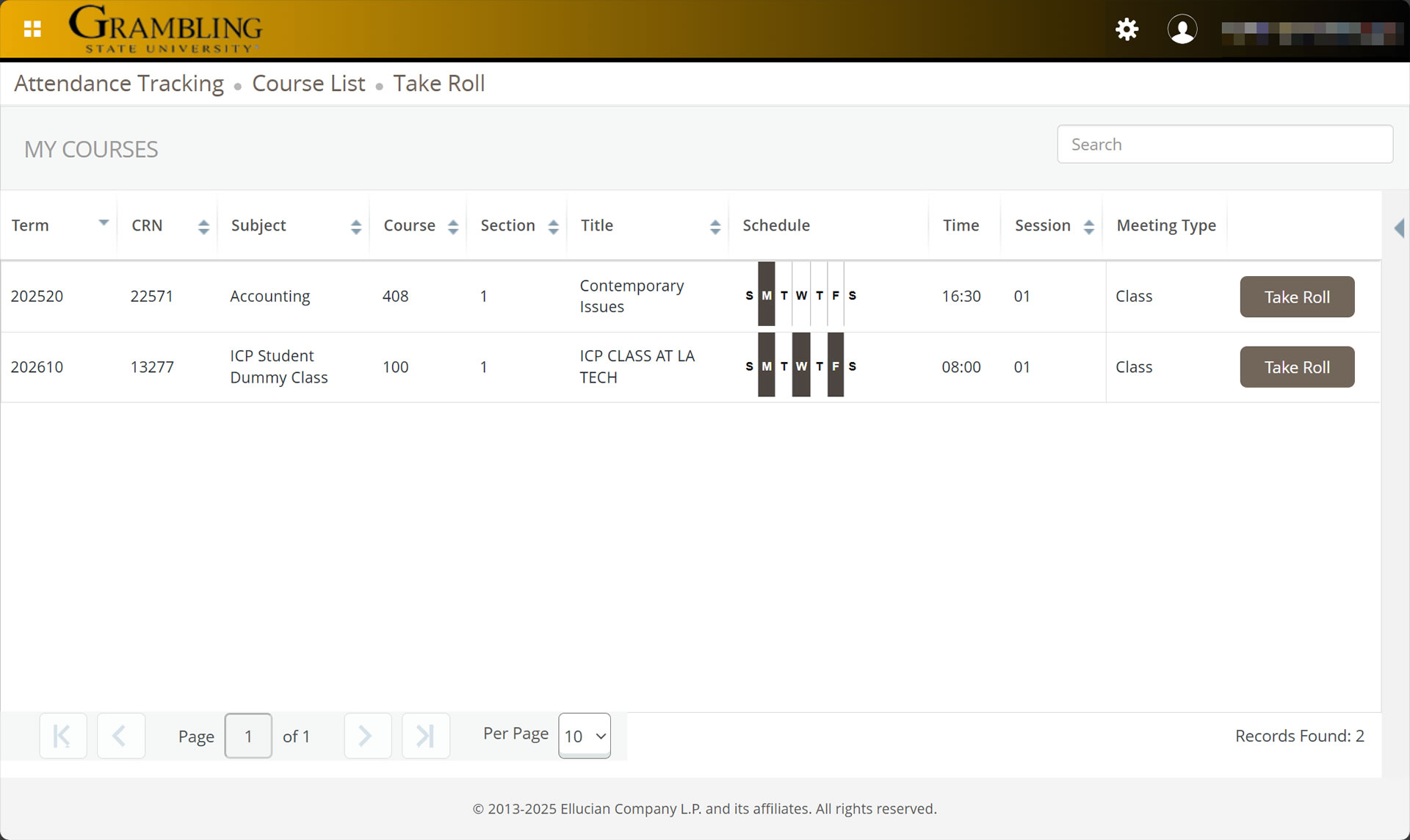
Grambling State University will upgrade from Self-Service Banner 8 (SSB8) to Self-Service Banner 9 (SSB9) in December 2025, delivering a more modern and user-friendly experience for students, faculty and staff.
This upgrade features:
To support a smooth transition, we’ve gathered helpful resources, including:
Explore the resources below to get started with Self-Service Banner 9.
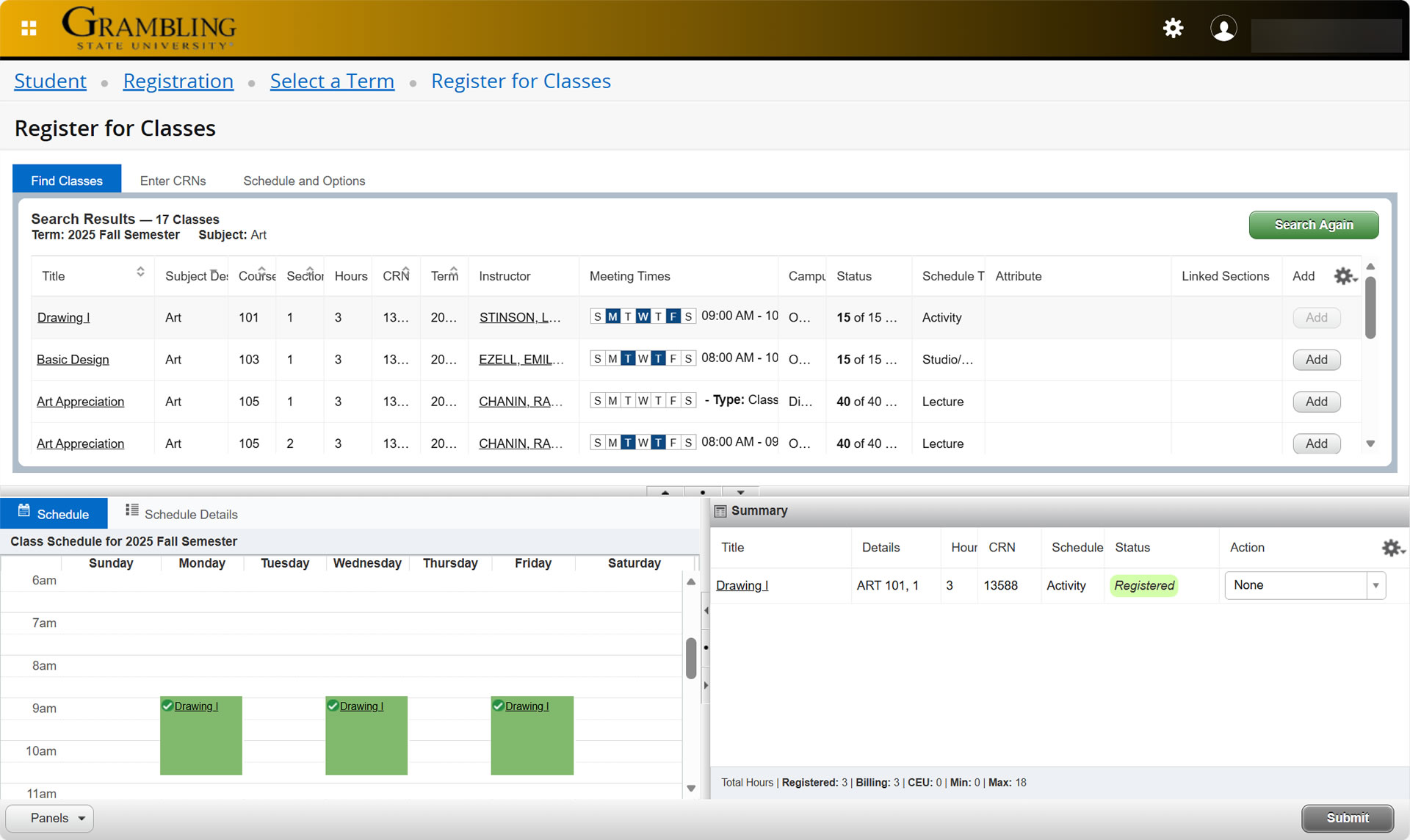
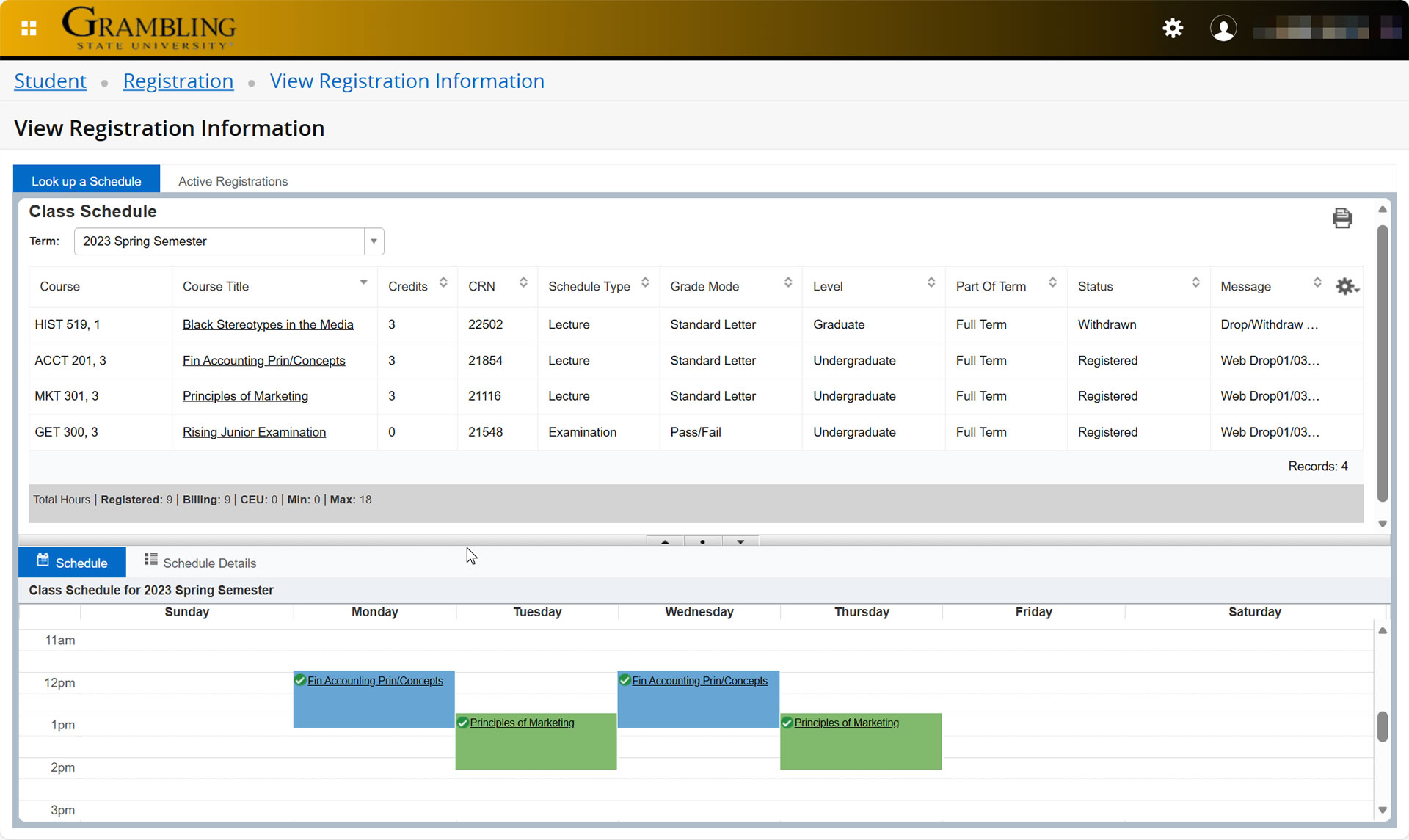
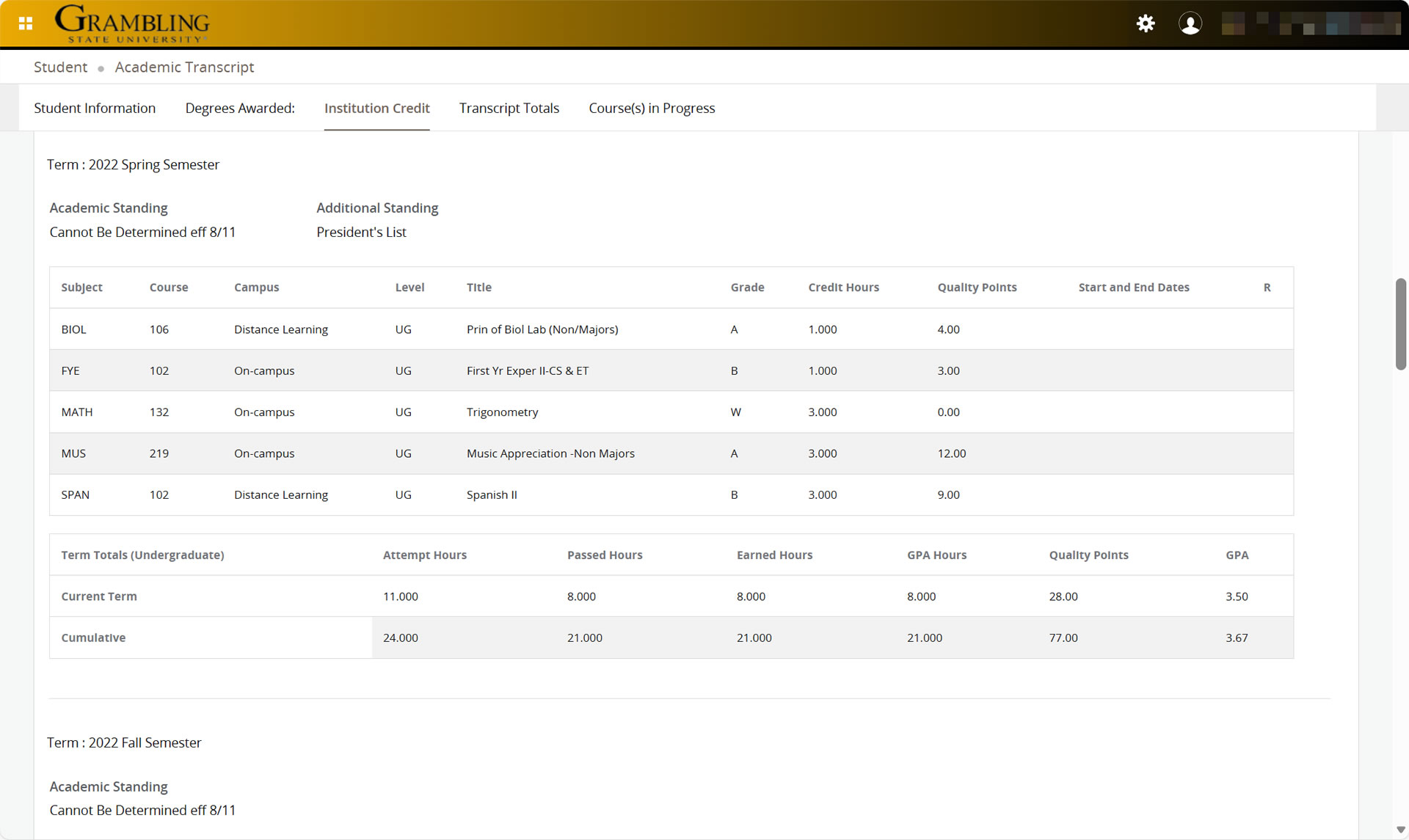
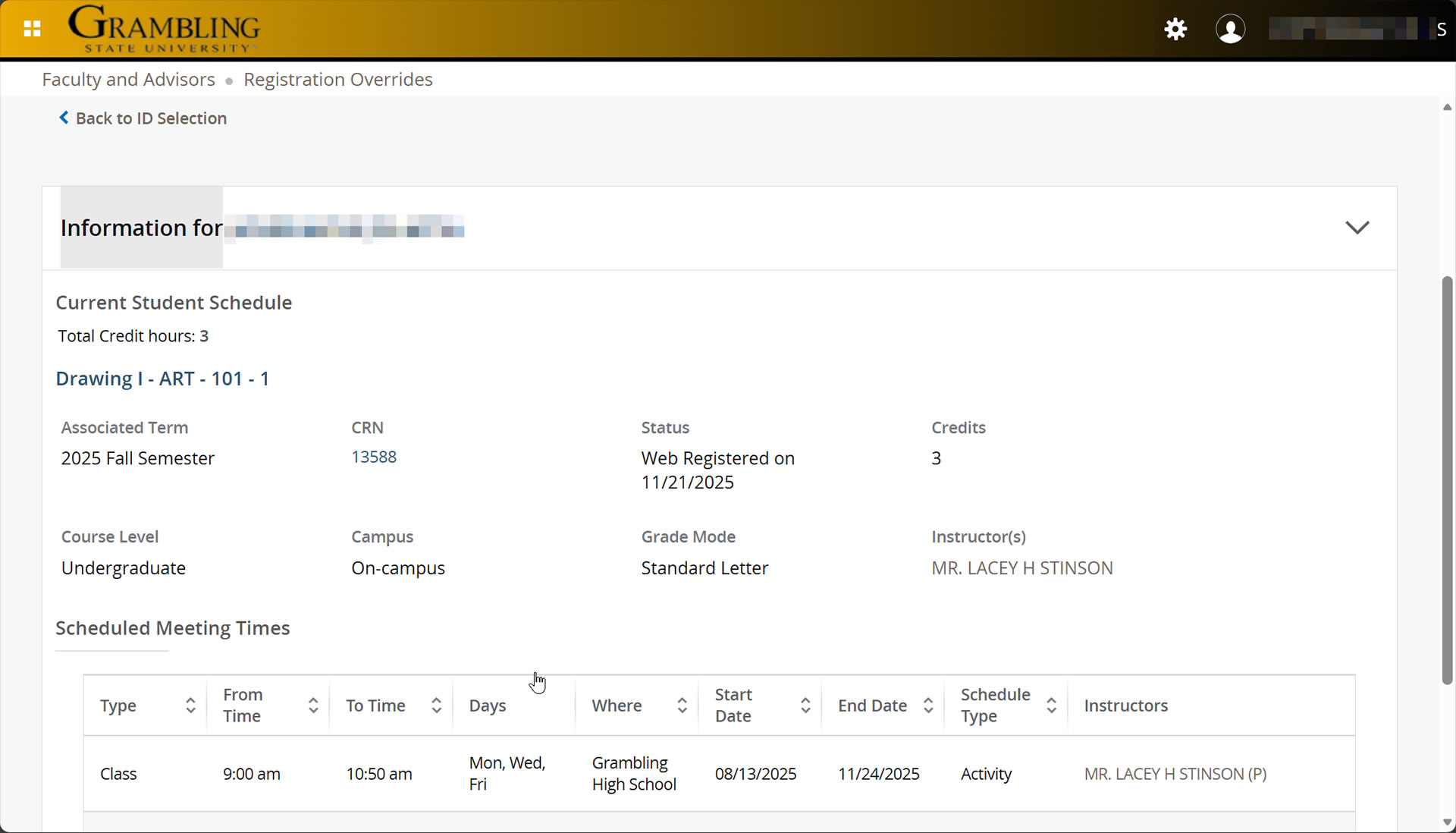
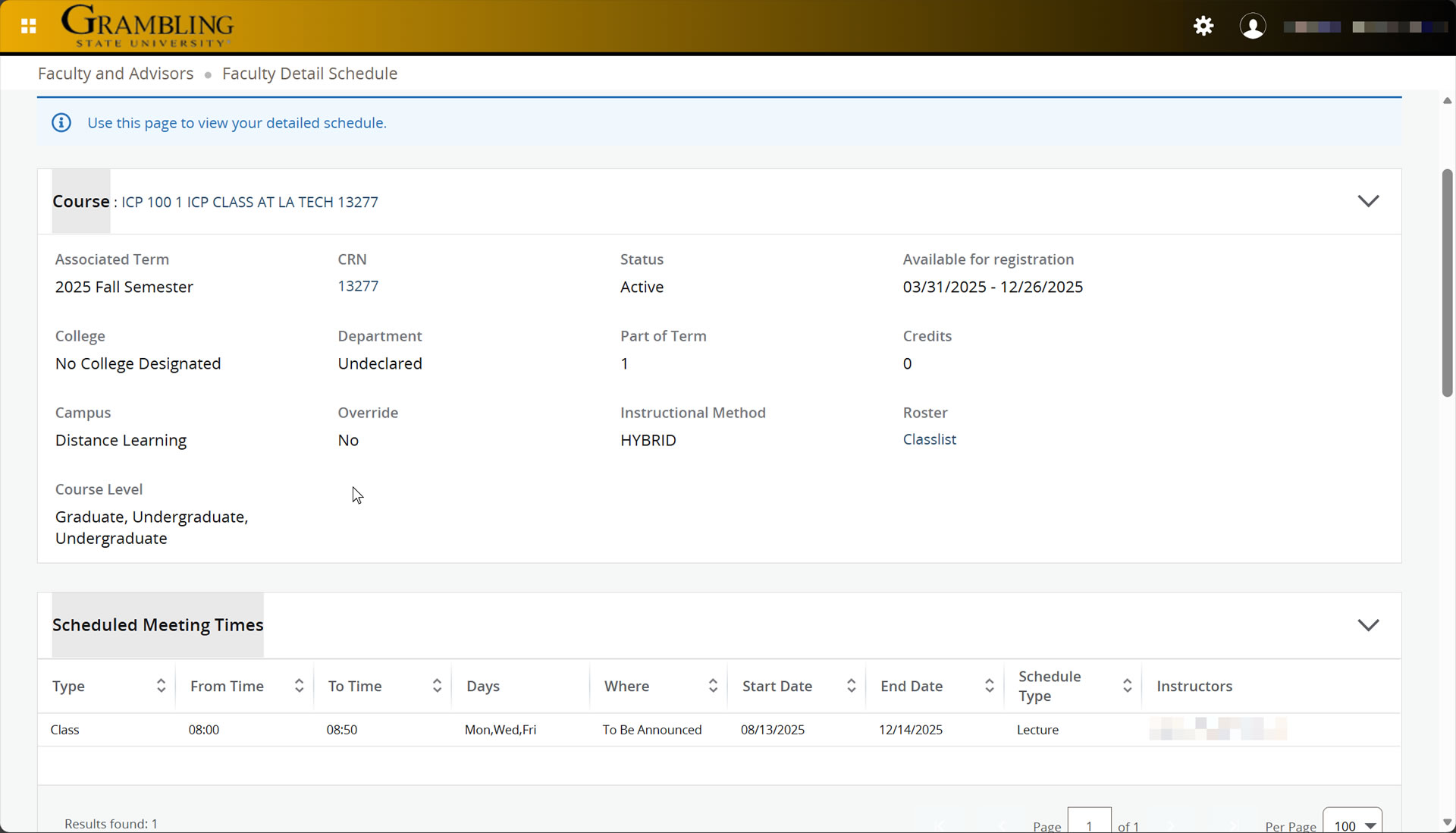
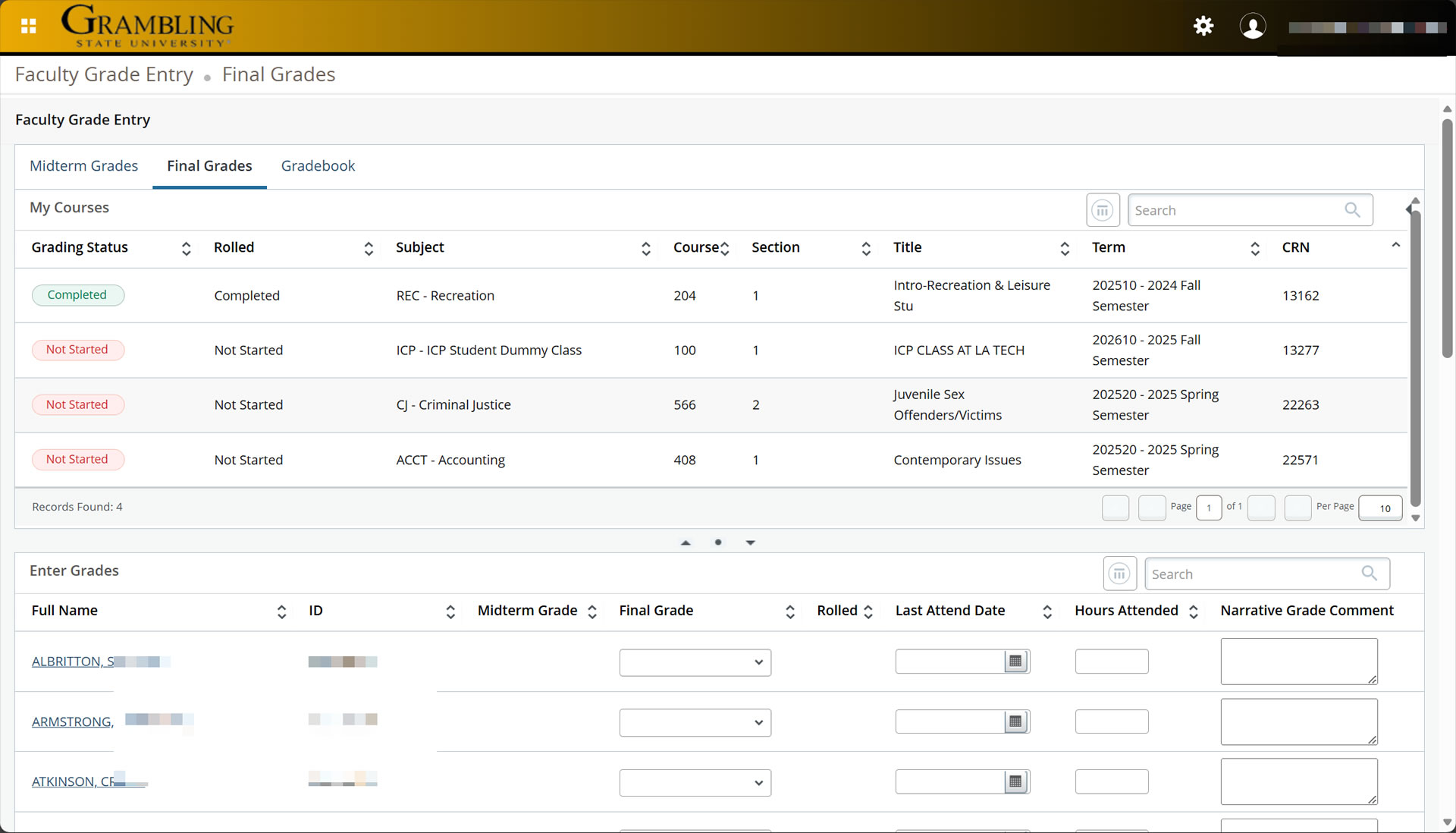
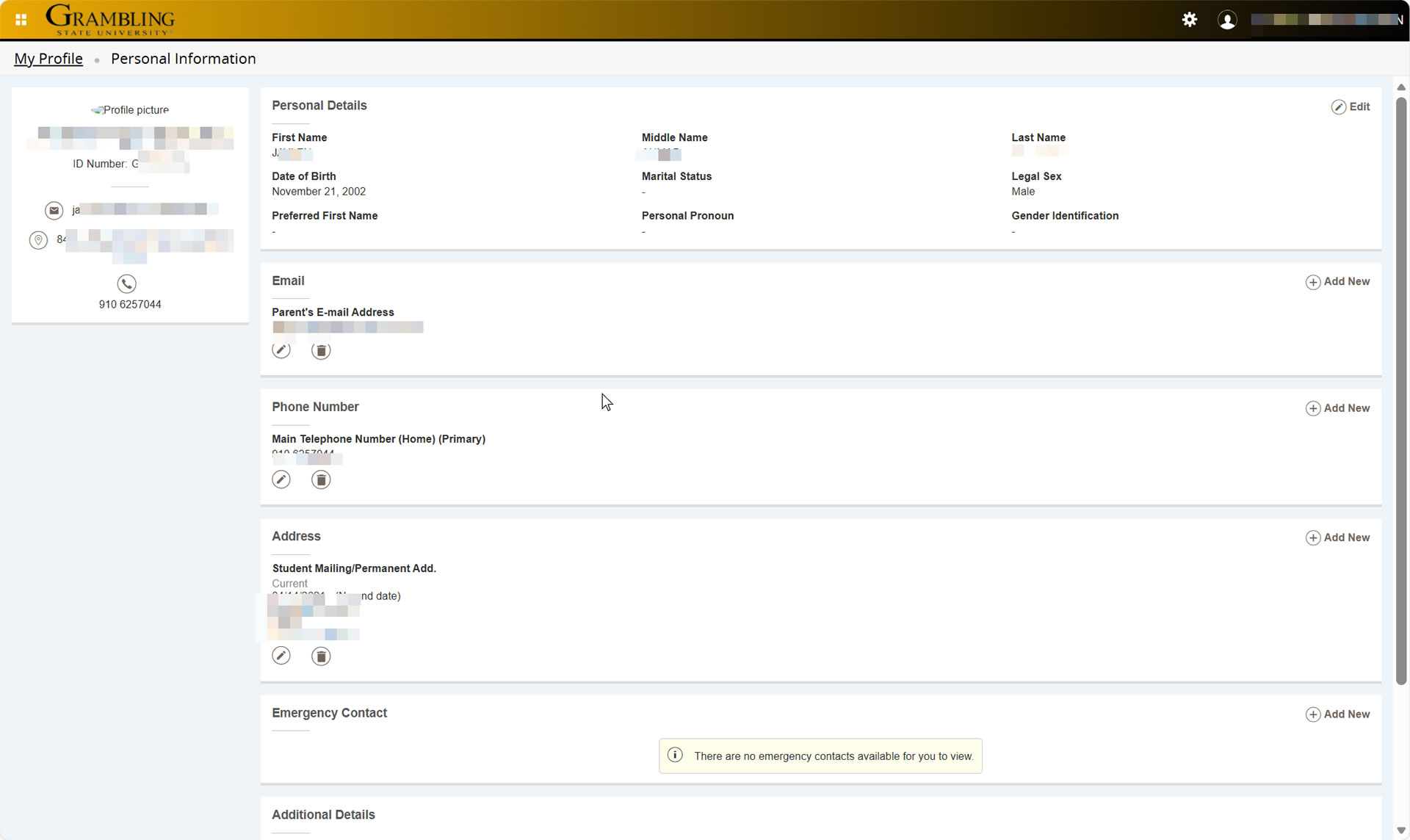
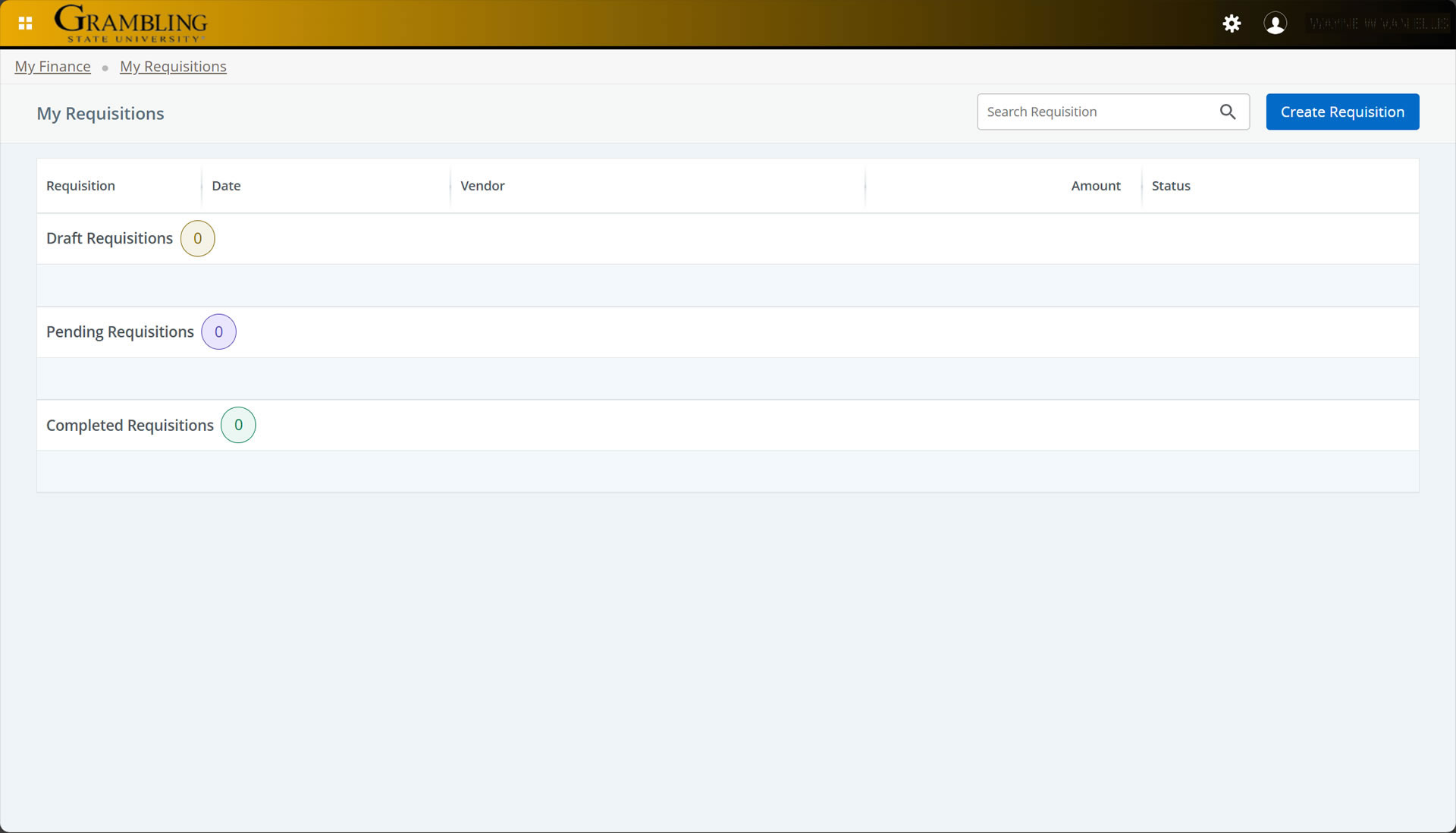
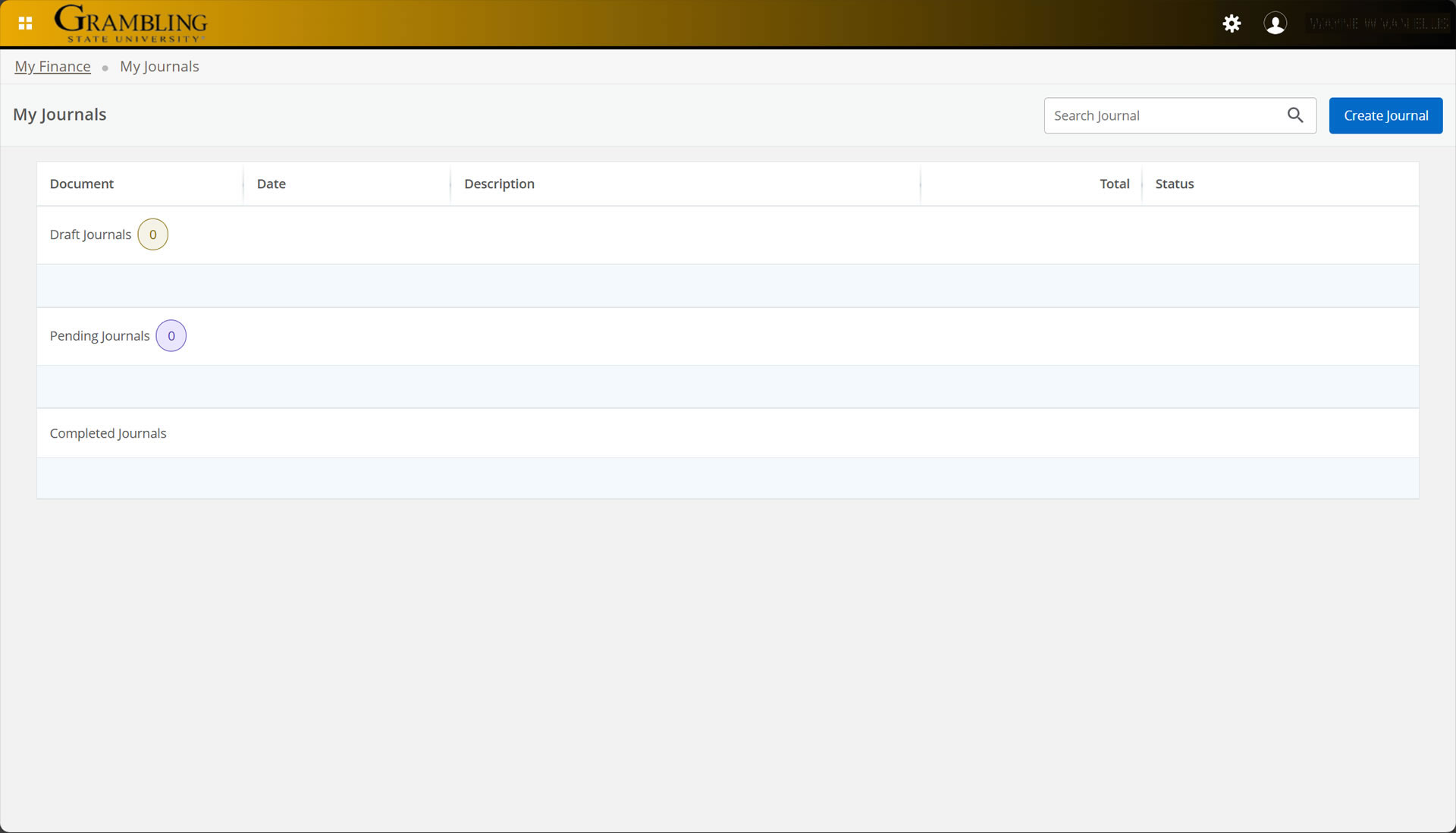
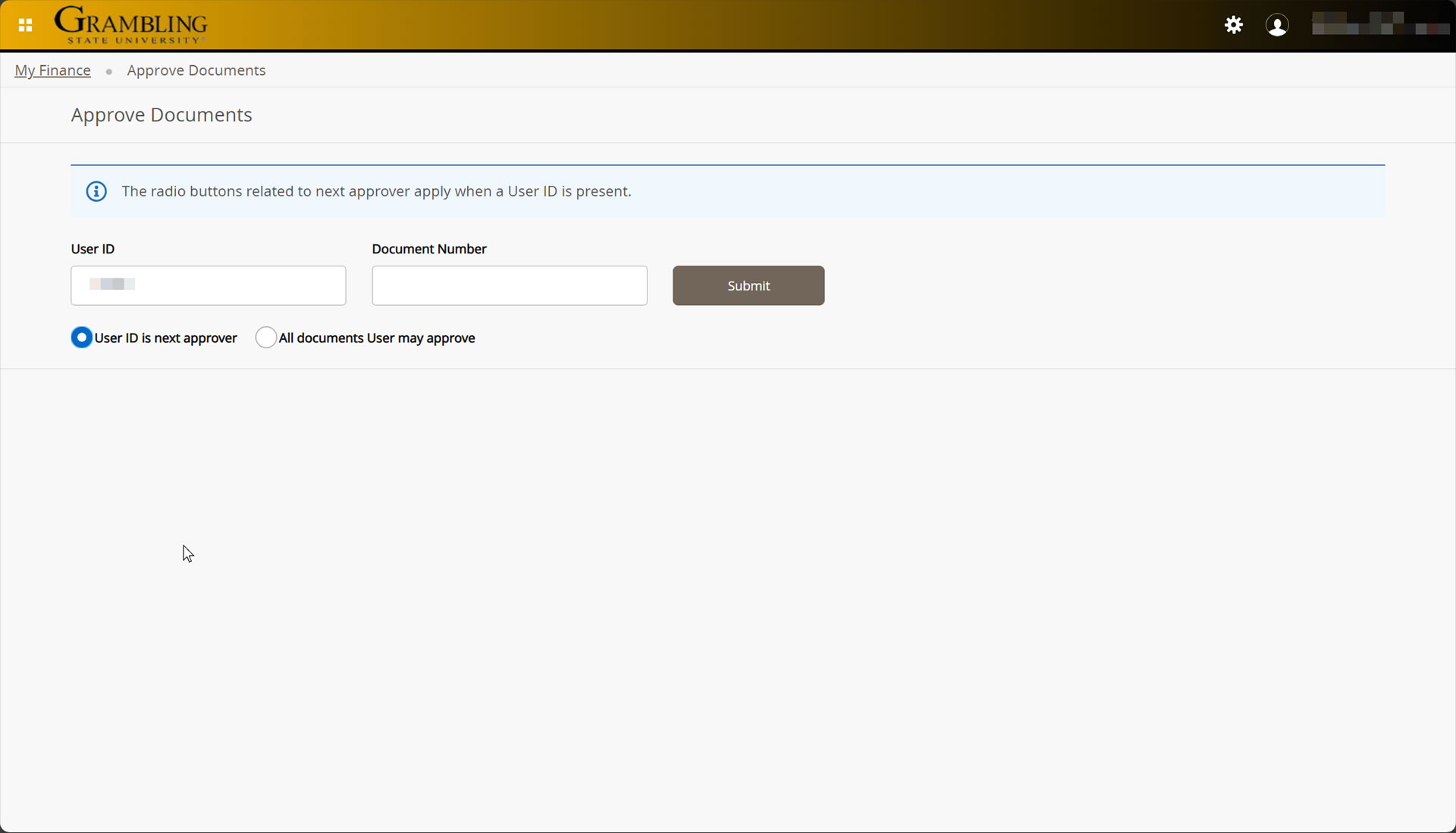

If the video appears blurry or low quality, please click the ⚙️ Settings (gear) icon on the YouTube player and select a higher Quality option (e.g., 1080p HD) for the best viewing experience.
More Coming soon!
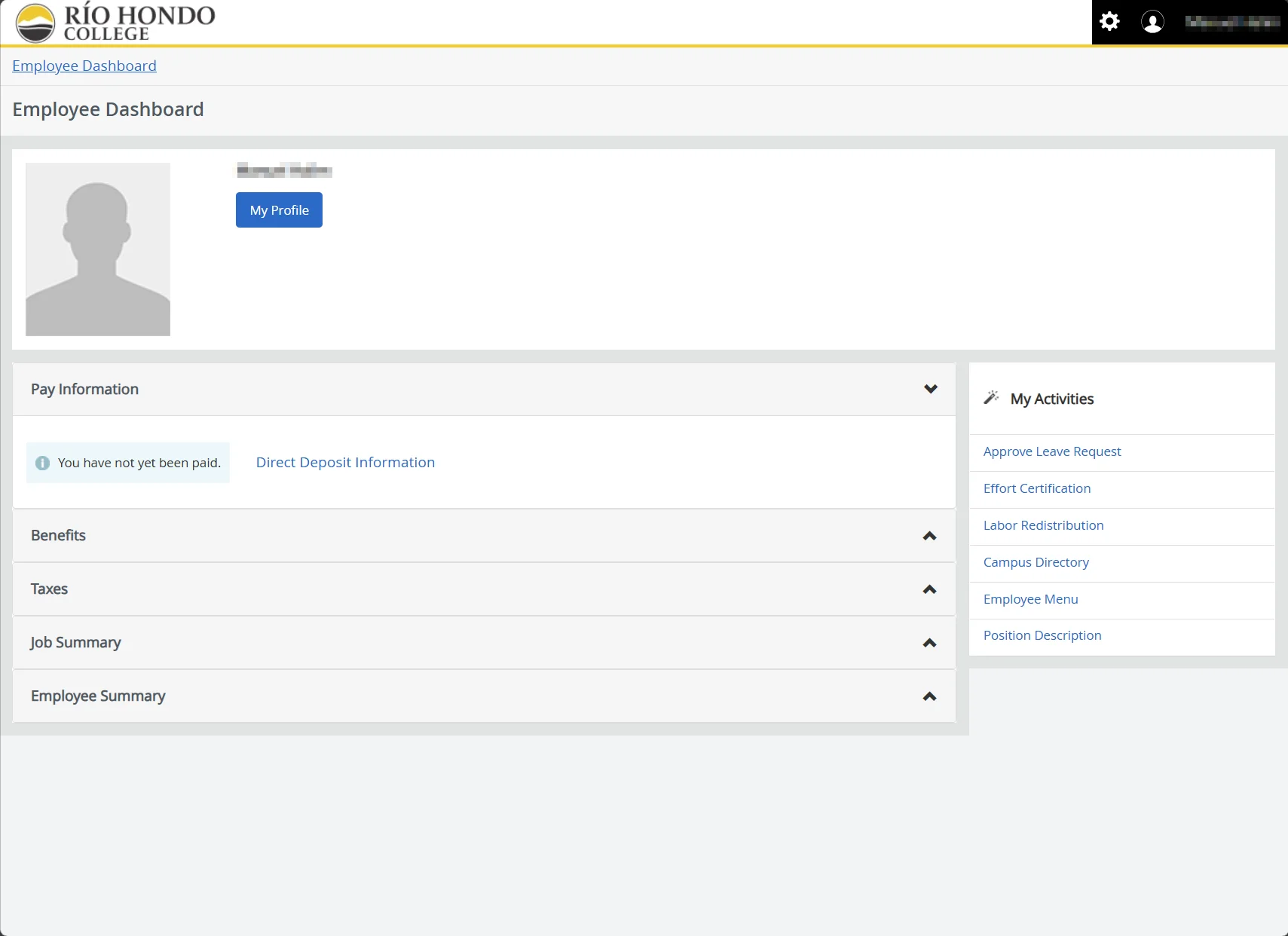
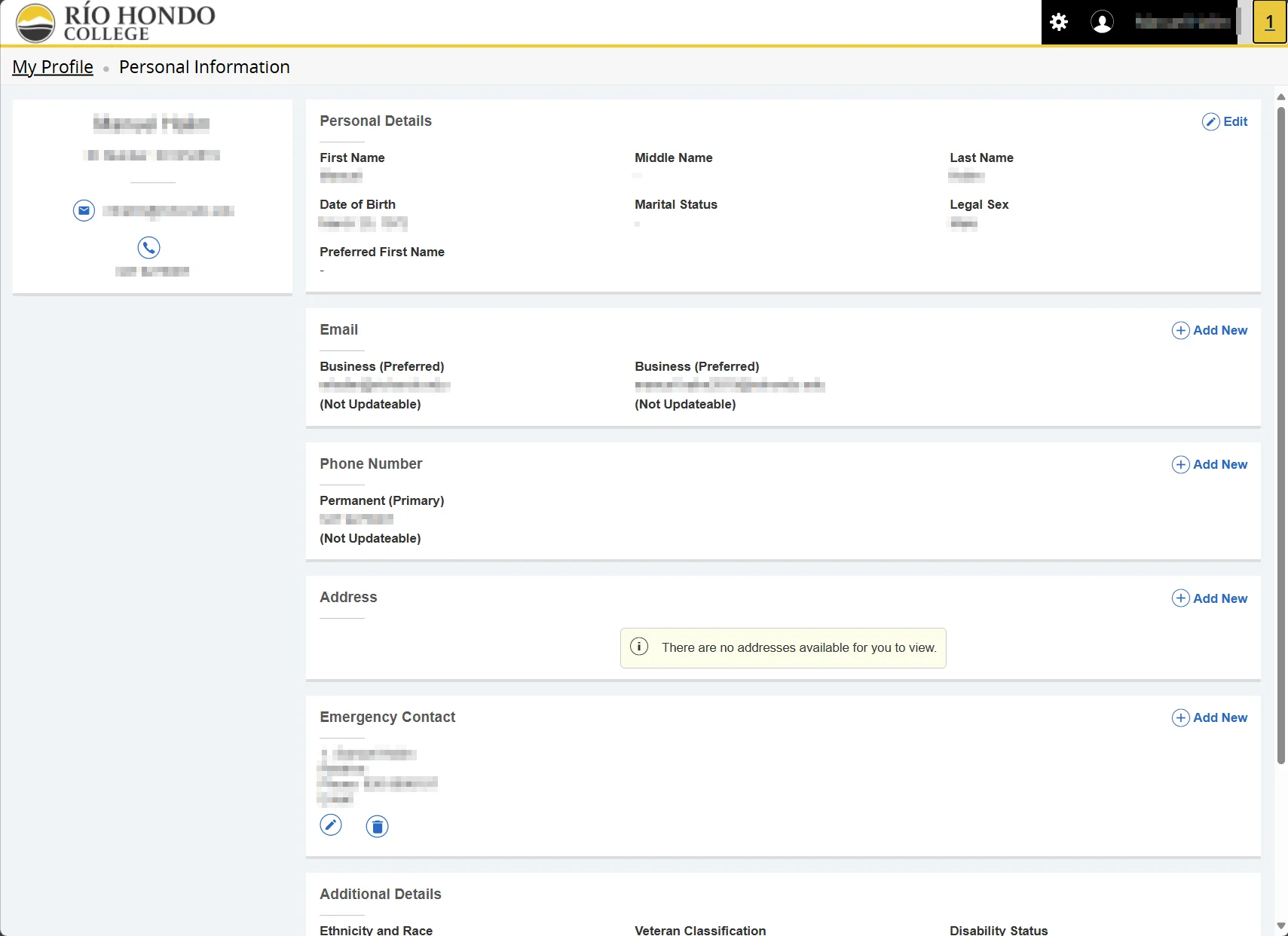
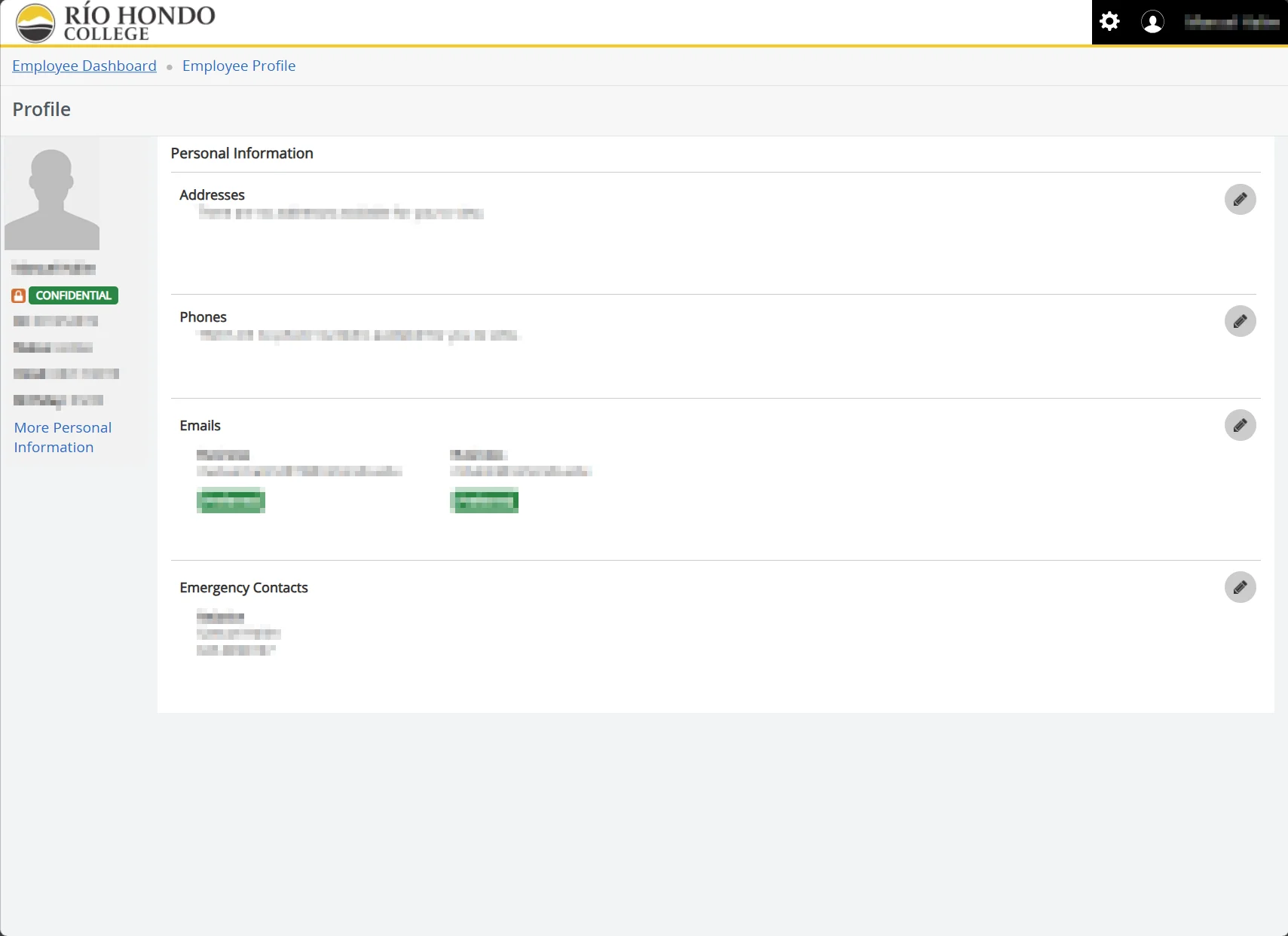
Banner9 will bring a modern look, mobile-friendly design and improved navigation to make your experience smoother. This is a result of our transition from Self-Service Banner 8 (SSB8) to Self-Service Banner 9 (SSB9).
Our goal is to go live in mid-December 2025. We’ve gathered helpful resources here to assist you with the transition.
Students will have a redesigned dashboard that is mobile-friendly and consolidates key tools (registration, financial aid, holds, etc.). This should make it easier for them to navigate the system. Guides and communication will be shared before launch.
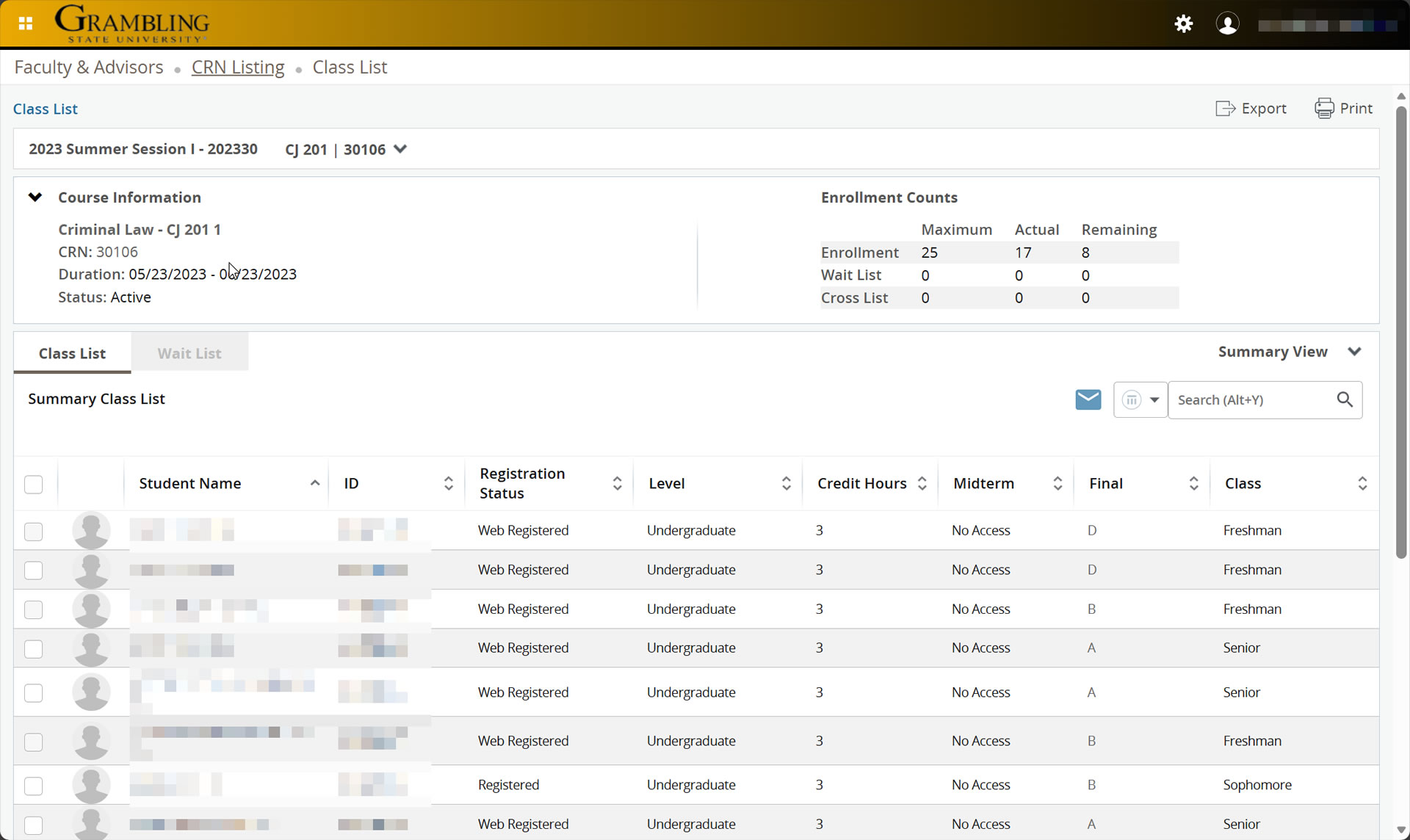
Faculty will continue to have access to class rosters, grade entry, and add codes. The layout will look different, but all major functions remain. Videos and quick guides will be provided to ease the transition.
Staff will see changes in how student records, holds, petitions, and notes are accessed. The functionality is similar to Self-Service Banner 8, but the workflow may look different. Videos and guides will be available to ensure staff are comfortable with the new system.
Yes. All Self-Service Banner 8 processes will continue in Self-Service Banner 9, but the look and navigation may be different. Some forms have been renamed or streamlined. We will provide side-by-side comparison guides.
Department: Payroll
Name: April Henderson
Email: hendersona@gram.edu
Phone: 318-274-2244
Office hours: M-Th 7:30 a.m. – 5:00 p.m.; F- 7:30 a.m.- 11:30 a.m.
Department: Payroll
Name: Katrina Malone
Email: malonek@gram.edu
Phone: 318-274-2248
Office hours: M-Th 7:30 a.m. – 5:00 p.m.; F- 7:30 a.m.- 11:30 a.m.
Department: Purchasing
Name: Erin Walker
Email: walkere@gram.edu
Phone: 318-274-3280
Office hours: Mon-Thur 6:30am-4:30pm, Fri- 6:30am-11:00am